How to Export Solar Data
Follow the steps below to export solar data from MackSun in CSV or FITS format.
Step 1: Click "Download Data" in the header.
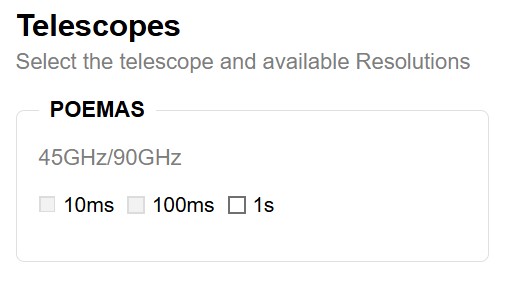
Step 2: Select instrument and frequency.
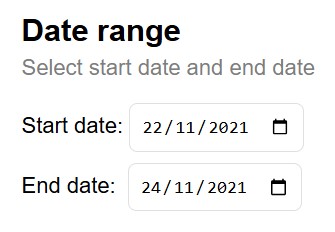
Step 3: Set the date range.
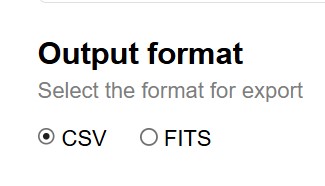
Step 4: Choose export format (CSV or FITS).
Step 5: Click "Search".
Step 6: Download data:
- "Download all files" (top of grid).
- "Download file" (row link).